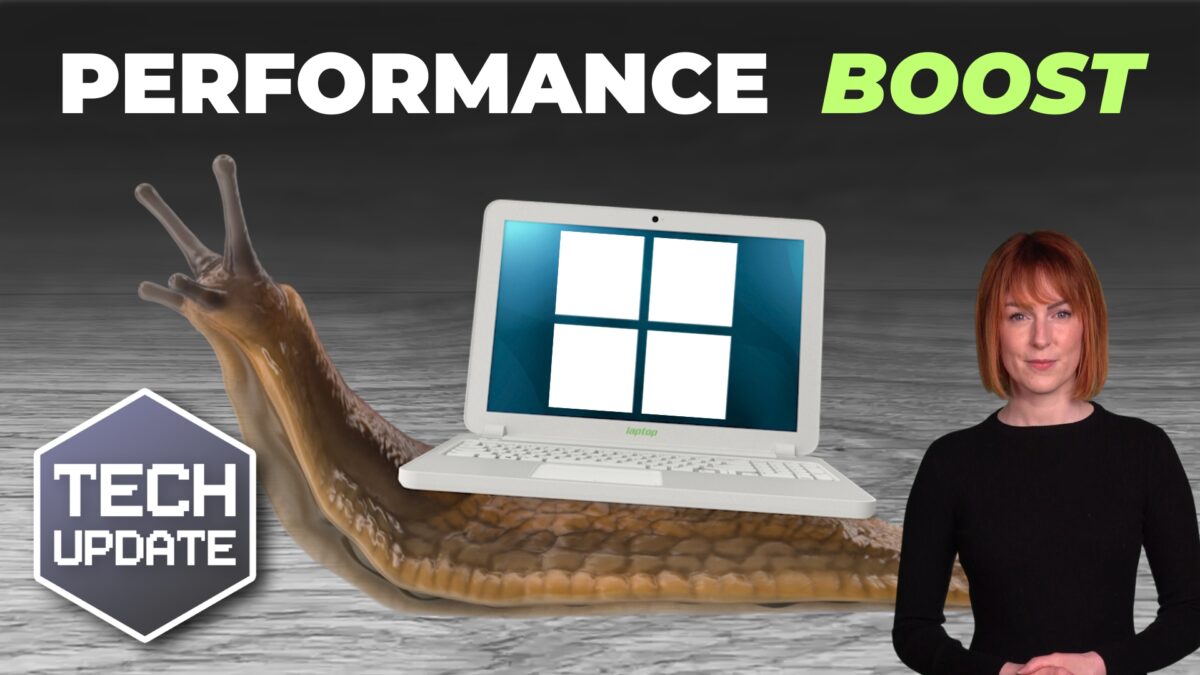
Are you tired of that slight pause when you open something on your PC and it takes just a fraction longer than you expect?
It’s not enough to stop you working, but it is enough to irritate you for a moment.
That’s the sort of thing Microsoft is fixing right now in Windows 11.
In recent months there’s been a focus on improving the overall feel and responsiveness of Windows, rather than simply piling in more features.
And honestly, I think it’s the right priority.
The latest work happening behind the scenes is all about making core parts of Windows faster and smoother to use.
A big part of this centres around something called “WinUI”. You can safely forget the name after reading this, but it helps to understand roughly what it is.
WinUI is the framework Microsoft uses to build the visual side of Windows apps and interface elements.
It controls how things look and behave on screen. File Explorer, menus, settings windows, and many built-in apps all rely on it.
Microsoft has been gradually modernising Windows 11 using this framework, but now it’s also trying to make the framework itself run more efficiently.
When the foundations get faster, everything built on top of them benefits too.
The company has been testing improvements using tools like File Explorer and Notepad as benchmarks. File Explorer, for example, is the part of Windows you use constantly to browse files and folders.
According to Microsoft’s engineers, they’ve managed to significantly reduce the amount of background work Windows has to do when launching these apps.
Less unnecessary processing means things should open more quickly and feel more responsive.
You probably won’t see dramatic “twice as fast” changes overnight. This is more about shaving off small delays across lots of everyday actions. Opening folders, switching windows, launching apps, etc.
Across an entire workday, these moments quickly add up.
There’s also another interesting part to this story.
Microsoft’s different Windows teams appear to be working together more closely than they used to.
That might not sound exciting, but when separate teams optimise different parts of the system in isolation, progress can feel inconsistent.
What’s happening now seems more coordinated.
And it’s improving how the whole experience fits together.
There’s also work being done on something called “low latency”, which basically means reducing the delay between you doing something and Windows responding to it.
Again, not glamorous… but noticeable when done well.
People work faster when systems feel responsive. Frustration drops, small interruptions happen less often, and everything feels a little smoother and more predictable.
And that’s what good technology should do.
If your business PCs are starting to feel sluggish, or you’re not sure whether your hardware is getting the best out of Windows 11, we can help. Get in touch.